
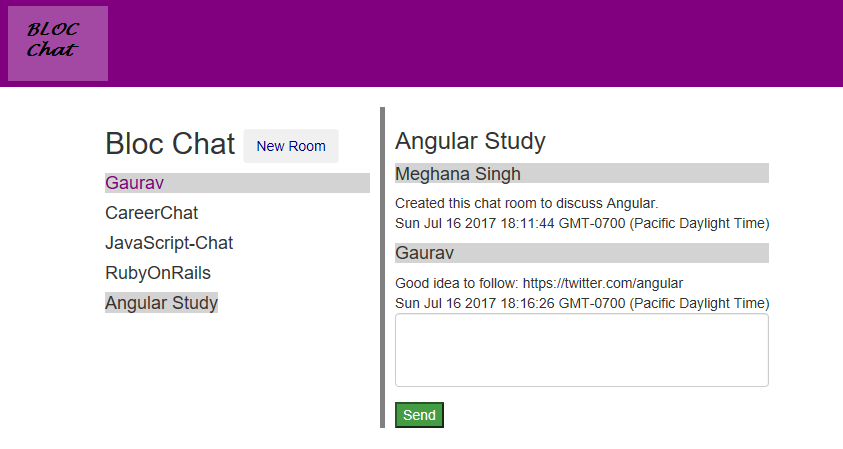
WebChat is a AngularJS Firebase app for realtime chatting. Users can login, create chat rooms and chat with other logged in users.
User Authentication:
User authentication was done using the $firebaseAuth service. In the Router’s resolve() method a check is done to make sure the user is checked for authentication before rendering the route. This is done using $waitForSignIn() and $requireSignIn() AngularFire helper methods.
        $stateProvider
             .state('home', {
                 ...
                 resolve: {
                      // controller will not be loaded until $requireSignIn resolves
                      // Auth refers to our $firebaseAuth wrapper in the factory below
                      "currentAuth": ['Auth', function(Auth) {
                        // $requireSignIn returns a promise so the resolve waits for it to complete
                          console.log("requireSignIn resolved");
                        return Auth.$requireSignIn();
                      }]
                 }
             })
          .state("beforeLogin", {
              ...
              resolve: {
                // controller will not be loaded until $waitForSignIn resolves
                // Auth refers to our $firebaseAuth wrapper in the factory below
                "currentAuth": ['Auth', function(Auth) {
                  // $waitForSignIn returns a promise so the resolve waits for it to complete
                  // If the promise is rejected, it will throw a $stateChangeError (see above)
                    console.log("waitForSignIn resolved");
                    return Auth.$waitForSignIn();
                }]
              }
            });

    }

    function authCheck($rootScope, $state) {
        $rootScope.$on("$stateChangeError", function(event, toState, toParams, fromState, fromParams, error) {
        // We can catch the error thrown when the $requireSignIn promise is rejected
        // and redirect the user back to the home page
        //console.log(error);
        if (error === "AUTH_REQUIRED") {
          console.log("authCheck returned error: " + error);
          $state.go("beforeLogin");
        }
      });
    }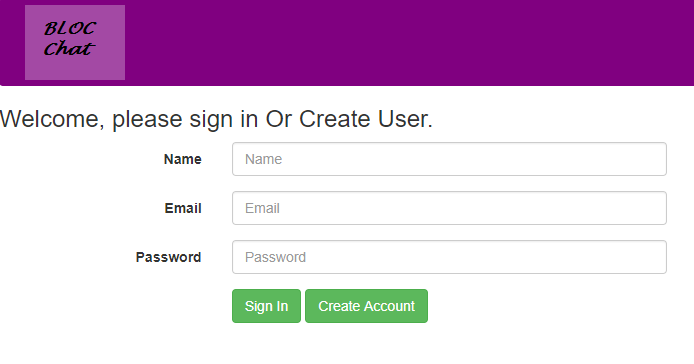
User’s are created, signed-in and signed-out using email and password:
Auth.$createUserWithEmailAndPassword(email, password)
Auth.$signInWithEmailAndPassword(email, password);
Auth.$signOut();
New Room Creation
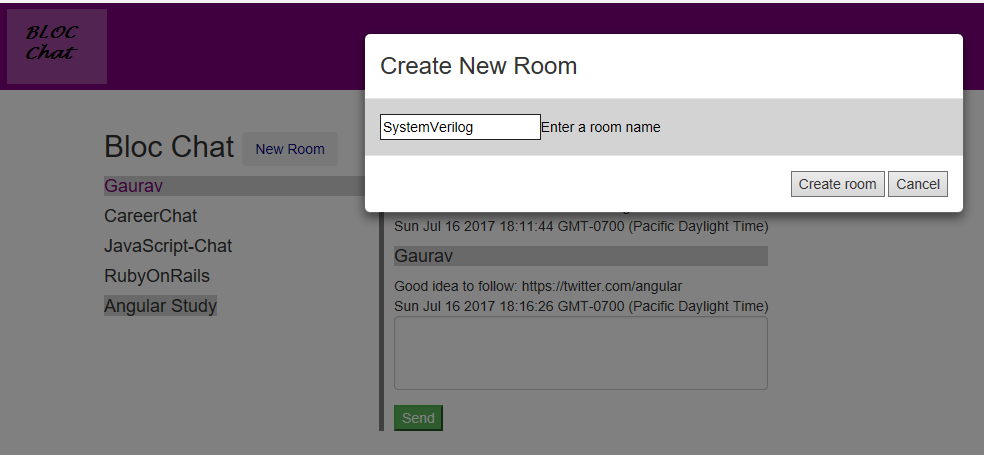
New room’s are created using $firebaseArray service and UI Bootstrap Modal to enter in the room details.
/**
 * @function : ok
 * @desc     : This function calls the service function createRoom() which creates rooms in firebase.
 *           : This function is called when the ok button is clicked in the UIB modal.
 *           : $uibModalInstance.close() function is used for doing it.
 **/
            this.ok = function () {
                console.log(this.roomName);
                console.log("Modal chatRooms object: " + this.createRoom);
                $uibModalInstance.close(this.createRoom(this.roomName));
            };

/**
 * @function : createRoom
 * @desc     : This function creates rooms (object with a specific room name) in firebase.
 *           : The room name is passed as parameter by the user.
 *           :
 * @param    : {number} roomName
 **/
      ChatRooms.createRoom = function (roomName) {
          rooms.$add({ roomName: roomName }).then(function(ref) {
            var id = ref.key;
            console.log("added record with id " + id);
            rooms.$indexFor(id); // returns location in the array
          });
      };
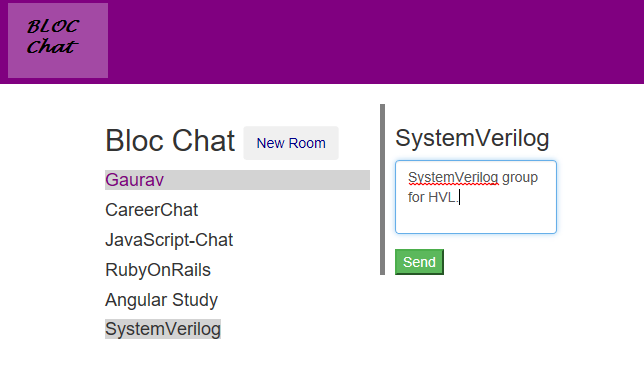
Sending Messages (Instant Chat)
/**
 * @function : getByRoomId
 * @desc     : This function retrieves data from firebase.
 *           : It retrieves all messages(objects) which match a specific room Id.
 *           : This function is called when we want to display the contents of a
 *           : chat room.
 * @param    : {number} roomIdKey
 * @return   : {Object} returns the firebase array reference - so data can be realtime updated.
 **/

    Message.getByRoomId = function (roomIdKey) {
         return $firebaseArray(firebase.database().ref().child('messages').orderByChild('roomID').equalTo(roomIdKey));//.once('value');
    };

/**
 * @function : send
 * @desc     : This function adds chat messages to firebase database.
 *           : It creates messages object and adds the object to the messages.
 * @param    : {number} roomIdKey
 **/
    Message.send = function (roomIdKey, msgContents) {
        msgFirebaseObj = {
            content: msgContents,
            roomID:  roomIdKey,
            sentAt: Date(),
            //username: $cookies.get('blocChatCurrentUser')
            username: firebase.auth().currentUser.displayName
        };
        messages.$add(msgFirebaseObj).then(function(ref){
            var id = ref.key;
            console.log("added record with id " + id);
            messages.$indexFor(id); // returns location in the array
        });
    };
Conclusion
It was a good learning experience in building realtime messaging app using AngularJS framework and Firebase database. Incorporating UI Bootstrap modal for room creation helped the app look more neat. There is a lot of scope for improvement like adding Admin user and giving specific admin rights.